Combining the power of major CMS platforms with that of major HTML editors is certainly a considerable challenge. WYSIWYG, short for 'what you see is what you get', is more than an acronym: it represents an important goal for the user experience. It enables users to become familiar with the system intuitively and confidently.
There are WYSIWYG programs for creating websites, including well-known examples such as Adobe Dreamweaver. There are also modular editors that developers can incorporate to improve user data entry.
In this project, I use WYSIWYG in a comprehensive sense, referring both to individual user inputs (modular editors) and to the layout of dynamic, static and structural content. A drag-and-drop facility will make it possible to arrange web pages quickly and intuitively.
From a social perspective, I believe that continuing along these lines could make these tools more accessible to people.
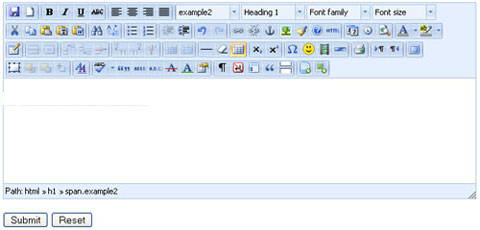
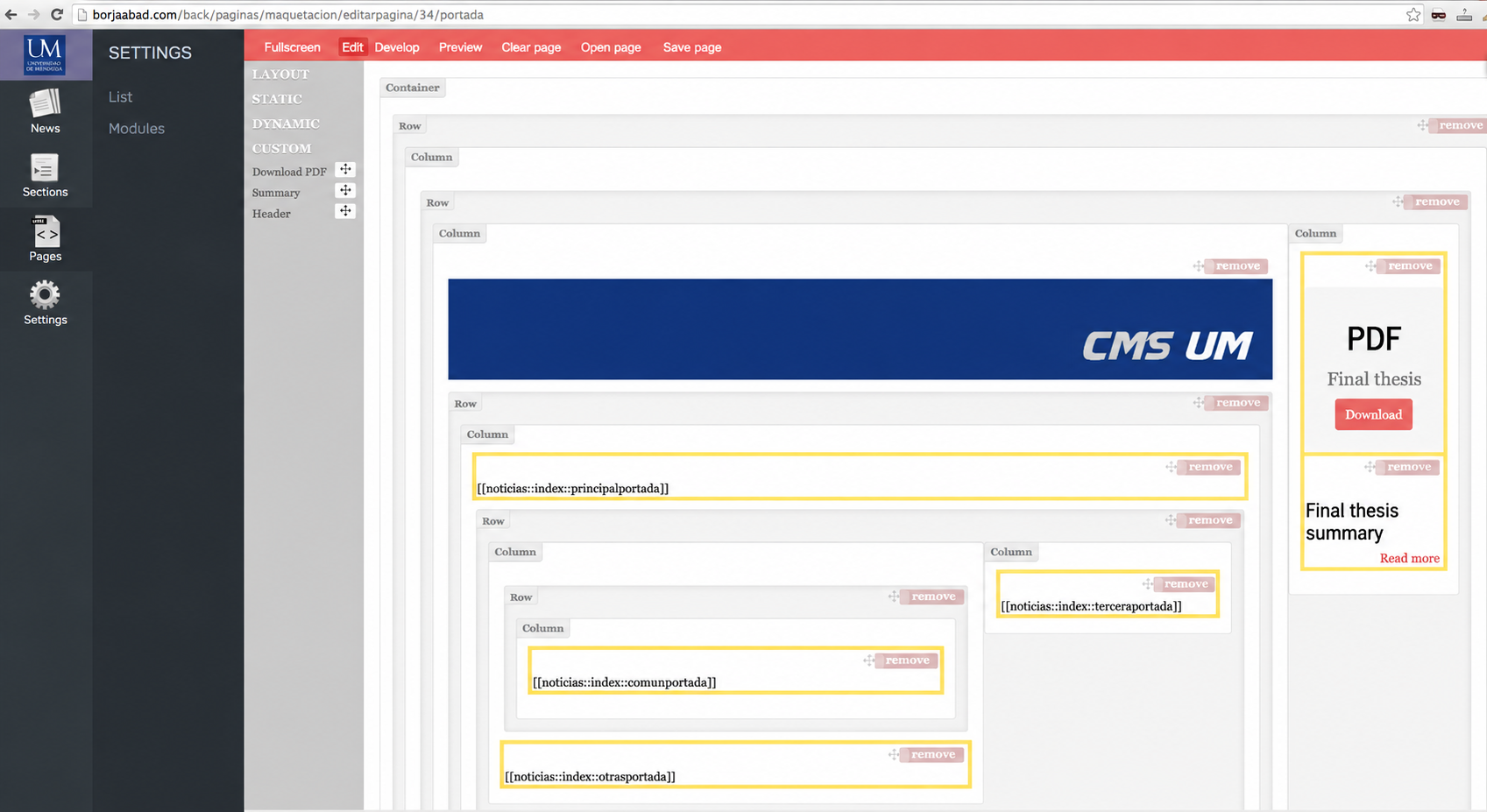
The page creation interface demonstrates intuitive drag-and-drop layout, fulfilling the WYSIWYG philosophy. Future versions can improve the preview and the arrangement of modules within the structure, bringing it closer to the page’s actual appearance.


