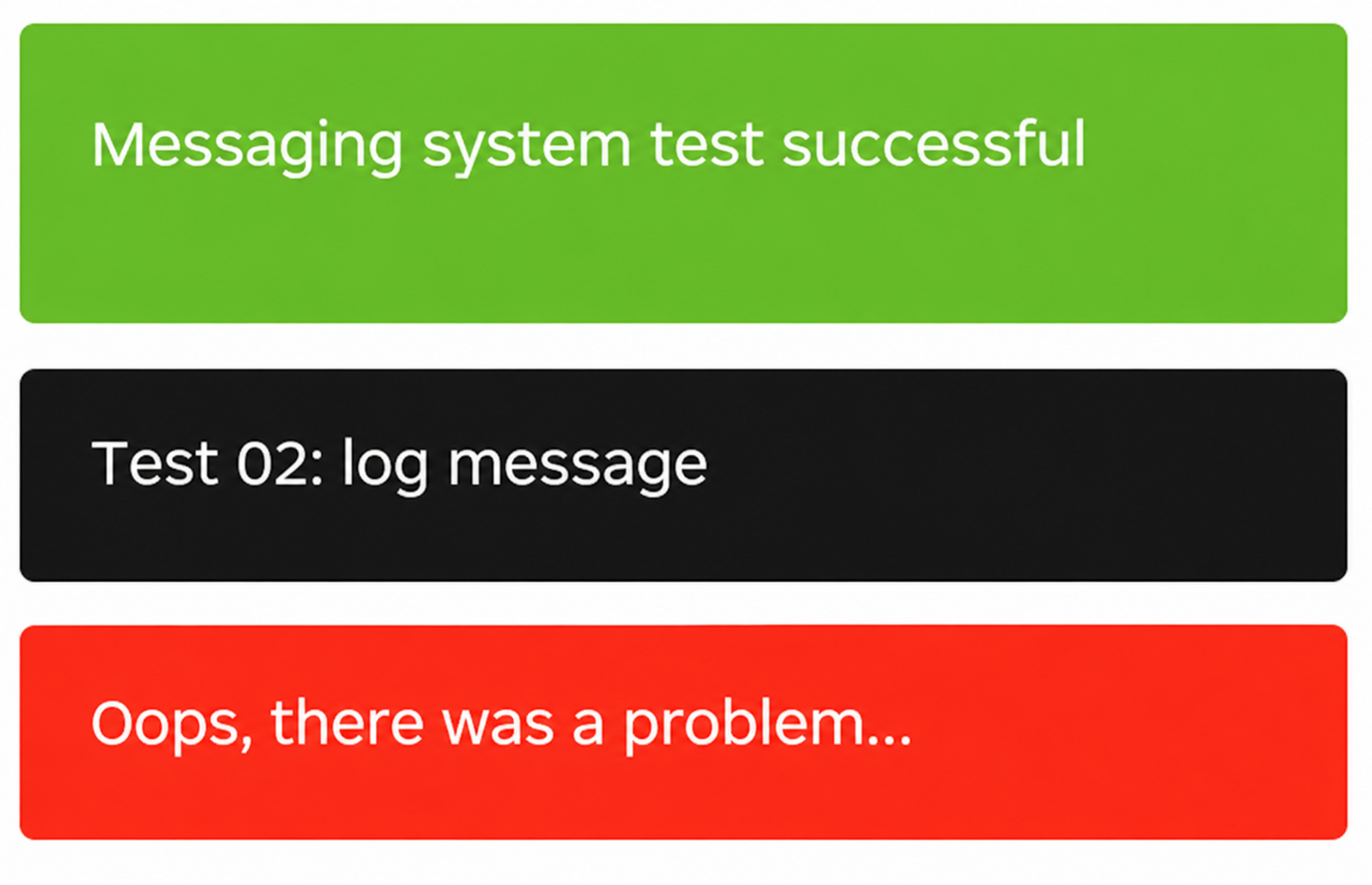
Using the alertify.js and alertify.css library to send messages from code to our views, the Alertify.php class was created in the application directory, the framework core. It manages messages from any component's views.
To display messages in a view:
<?php Alertify::mostrarMensajes(); ?>Use this code in view templates; the only requirement is that it appears before the closing </body> tag.
This code is already implemented in the default footer.php.
To display messages in a view:
<?php Alertify::add($mensaje,$tipo); ?>Use this code in view templates; the only requirement is that it appears before the closing </body> tag.
The possible message types are:
'success' - 'log' - 'error'
Alertify::add('Messaging system test successful','success');
Alertify::add(('Test 02: log message','log');
Alertify::add(('Oops, there was a problem...','error');
Alertify::add(('login');